Upgrade my work laptop to Tahoe fixed this issue in particular. I have not seen other issues after upgrade either.
On your KDE interest, I’ve been using Fedora with KDE for quite a few years now and I’m very happy with it. You’ll certainly get performance boost as well, as these Apple Silicon chips for whatever reason are very slow.
Well I took the plunge last night and some observations…
Nice additions/fixes
Spotlight is finally fixed! I now can search for files and folders and they actually show up!! I also really like how you can toggle between searching specially for files (or apps or clipboards etc).
Bugs/issues
Power consumption has increased by around 60% while more or less idle! (Increased by an additional 8w on idle compared to previously). Edit: this might have just been a Stats sensor issue, as measuring via a hardware meter shows just a minimal difference.
Going to Mission Control via a hot corner results in jittery animation. This is a regression and something that has happened in the past (I reported it, they fixed it, it’s back).
Not how I was intending on spending my Sunday but I’m back on Sequoia! And coming back on to it now I think it’s a million times nicer than Tahoe.
I’m actually really surprised Tahoe got signed off - surely somebody would have noted how bad it is? Agree completely with the person who wrote the article I linked to as it impacts pretty much everything - Finder, System Prefs, Mail, even apps like the Feedback app.
The performance/feel was noticeably worse too. On Tahoe every second or two the GPU spikes out of nowhere even when you’re not doing anything graphically intensive. On Sequoia it sits at 0%, only moving if you do something like drag a window.
Fixing Spotlight was great, but honestly not worth it. I think it could quite possibly become the most hated macOS refresh we’ve ever seen
It wasn’t all a big waste tho, I decided to do a clean install afterwards just out of curiosity to see if my guide still works and whether it made any difference - made no difference to performance (my guide still works - it’s a good option if you want a complete clean slate).
I think seeing it on a blank system and then living with it (even just for a few hours) makes all the difference. On the blank install I didn’t have any of my files, Mail, programs, and didn’t really have to do anything - but once you do, the flaws stand out like a sore thumb. Some of it I could have lived with, but the performance regressions just made it all a bit too much to bear.
Have you got Stats installed? Curious if you’ve noticed anything via that?
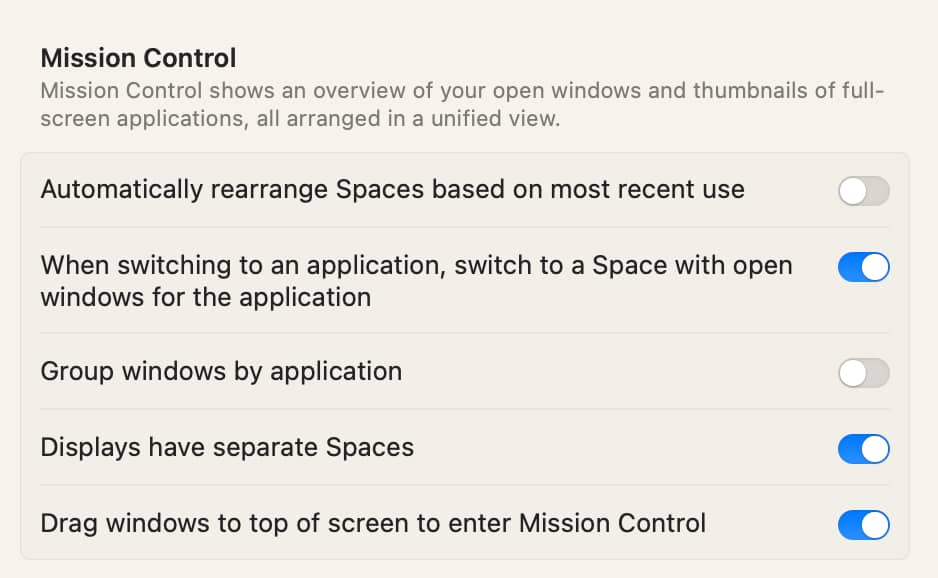
What about Spaces and/or Mission Control via Hot Corners? I’m guessing having multiple desktops via Spaces could help highlight Tahoe just feels a bit sluggish/doesn’t seem to be as efficient…
I always turn on Stats to monitor my MacBook Pro’s resources. I feel that the new version consumes more resources than the old one, but not by much, since VS Code or Zed Editor use much more.
My MacBook Pro (M1 Pro) is always warm because the new editor uses the GPU for local tasks.
I rarely use ‘Spaces’ or ‘Mission Control via Hot Corners.’ On a big screen (I use a 34’’ 1440p monitor), it takes too much finger movement, so I prefer using shortcuts and trackpad gestures instead.
“It is the year 2003. Humanity is exploring the vast depths of the Universe. Barely any mysteries remain. We have conquered mortality, technology and harnessed the energy of the aether”.
I think it helps make a difference and makes you feel less like you’ve been stuck indoors all day
You can four finger swipe up as well I think, however if you’re using an external monitor I would definitely consider getting a mouse and keyboard, I think it makes a big difference but the downside is you get used to it - so if forced to use the laptop by itself it won’t feel quite as nice..
As much as I love Wales and where I live there are so many stunning places all over the world - and an ultrawide, especially when you’re doing something like writing (which I do a lot!) really can make a difference to how you feel (so great for your general health and well-being).
The only downside is that it makes you want to get out there …which isn’t really a downside if it gets you to actually do it
One day I’ll figure out what triggers them and then turn them off…
Actually, I did try spaces once when presenting full screen - I wanted to hide all my normal mess on another screen. It didn’t go well - pop up windows in Excel only ever end up on Space 1 (only discovered when the presentation was underway), so I had to flick back to the mess anyway, and probably induced sea-sickness for the poor folk watching with the back n forth.
Then the next Space will be what I am working on currently, and other Spaces could be for other things I am working on but not urgent or continuous. Sometimes I can be working on something (or overseeing something) and it could be ongoing for months, so keeping it all in once Space makes is easy to jump back in to as and when needed).
I highly recommend giving them a go!
I do, every 5 minutes and independently for each Space. If you get your wallpapers from https://wallscloud.net/ they tend to label them, for me I am just happy to see a nice view and if it did make me want to look up and or visit the place, I reckon that’d a huge bonus

 I love your almost complete 180 degrees turn on this.


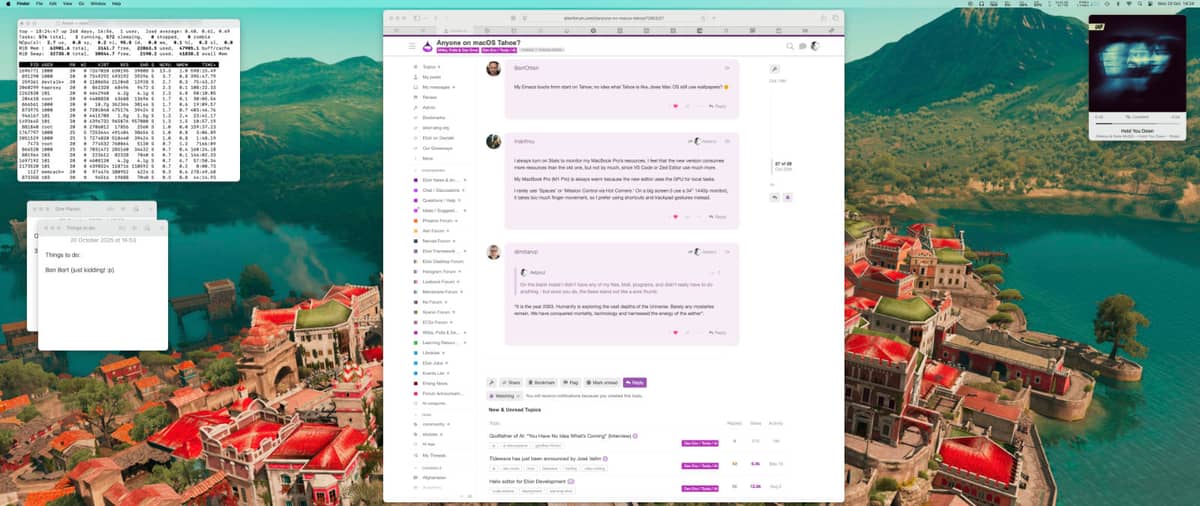
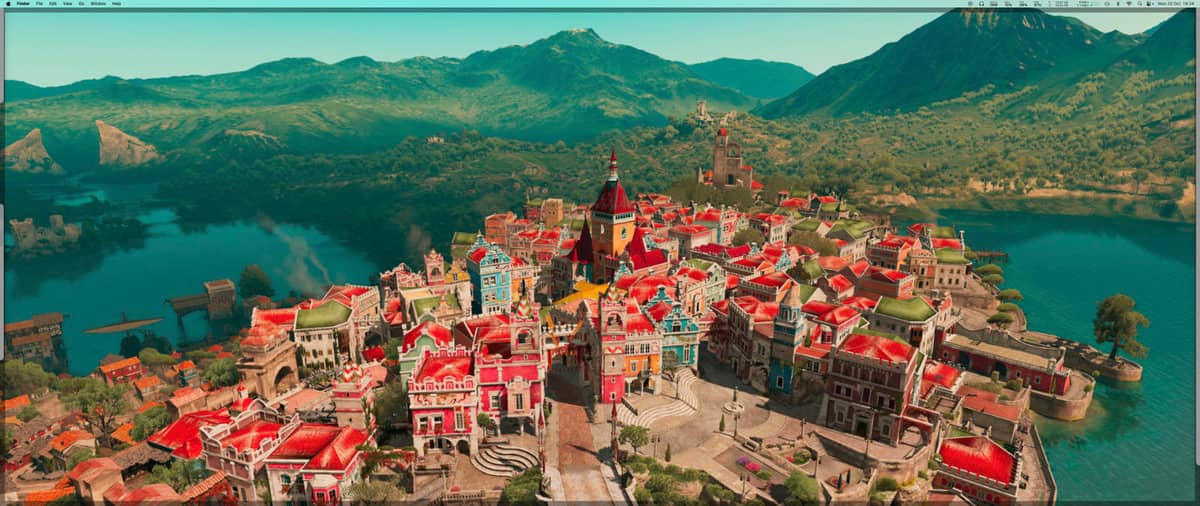

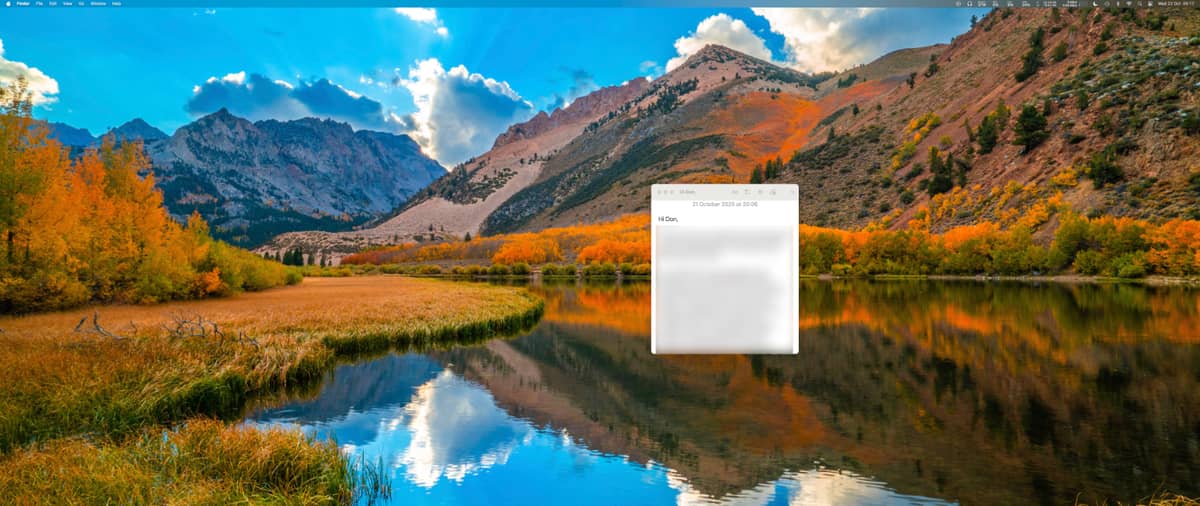

 but yeah you can turn off