It’s always nice to see how personal preferences vary wildly !
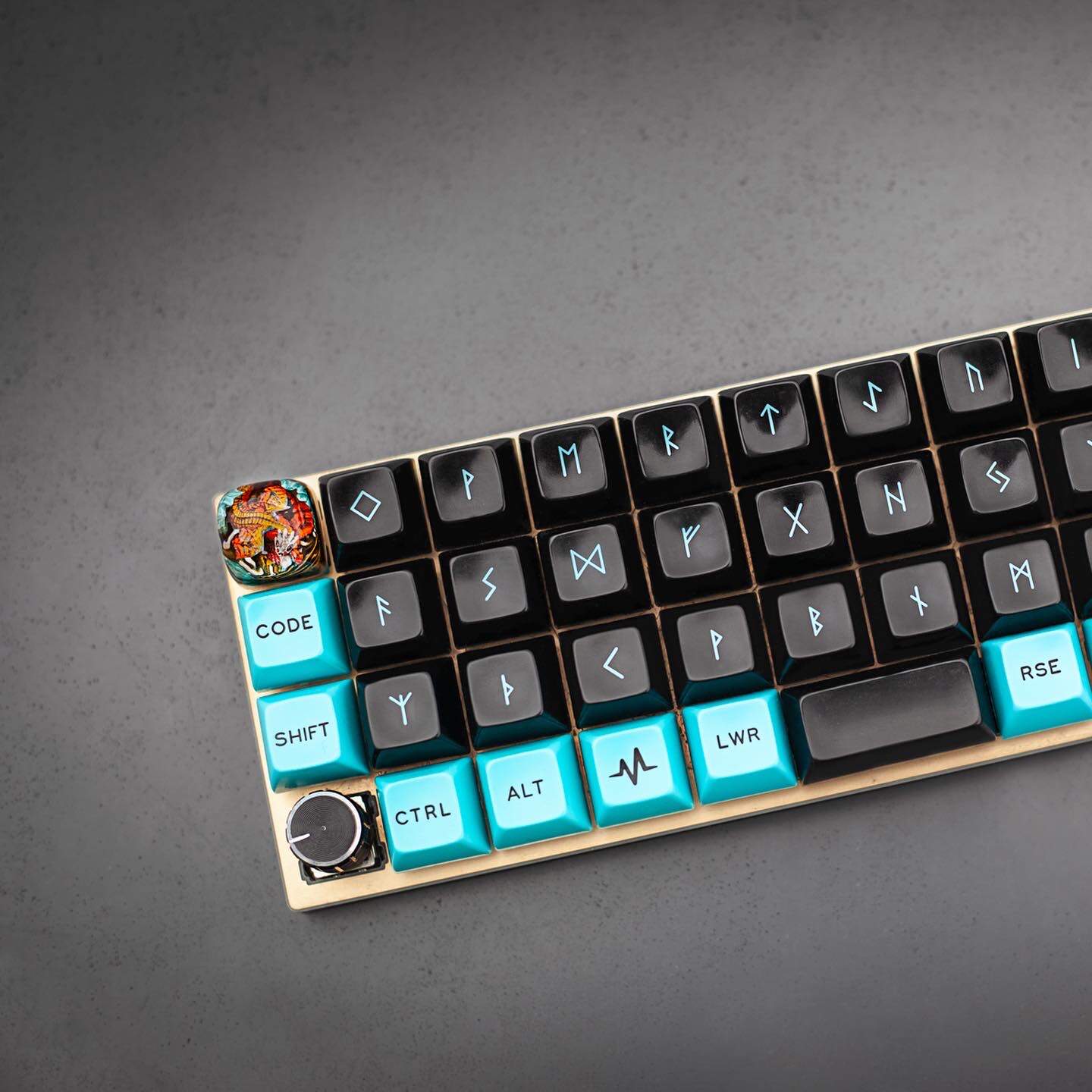
My 61 key keyboard is a quite generic board that had side and back-RGB illumination, I spent two hours de-soldering every LED I found in it so the thing could be a bit quieter visually .
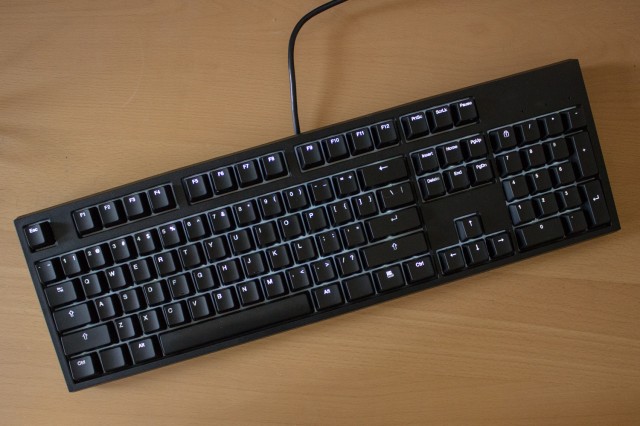
I use the CODE v3 keyboard. Very classic and boring, and super reliable. I have used it for at least 5 years at this point I think, zero problems with it. Cleaned twice.
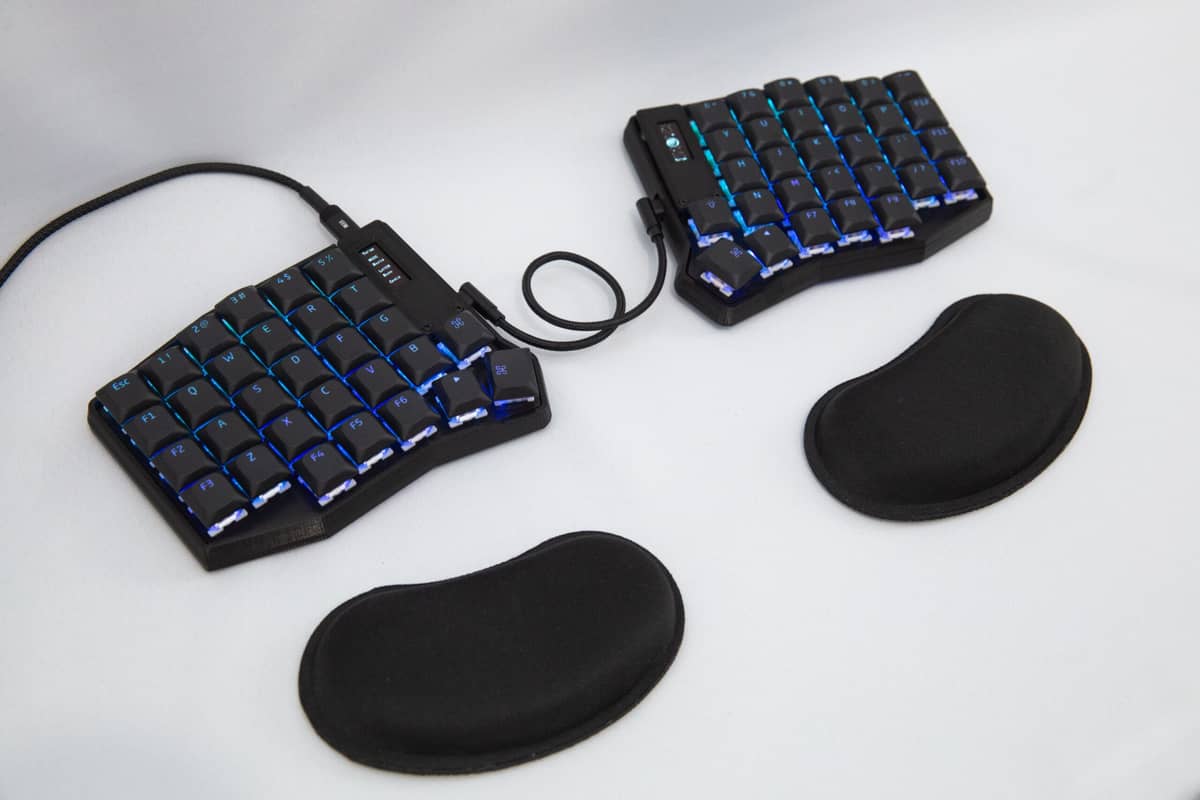
My ZSA Moonlander has only been used once and I concluded that I have no time and energy to experiment with it and get used to it… has been the case for several years. We’ll see if I get to actually use it one day.
I remember seeing the Glove80 on DT but never got around to looking more into it - out of all the new keyboards it’s probably the one I’d like to try one day!
If anyone’s interested here are some vids:
Post pics of yours if you get a min Jacob, I can’t be the only one interested!
Also have you (or anyone else using a non-Apple wireless keyboard) noticed any headaches after getting the keyboard? I tried a wireless number pad a few years ago but I noticed almost instantly it gave me a headache! Switched it off, it went, back on, it came back. This has made me cautious about non-Apple wireless keyboards or anything wireless that I am going to be sitting very close to for long periods.
A few years ago I was in a Best Buy where they had some Logitech low-profile keyboard on demo (I think it was the 815 or 915 with clicky switches); I randomly tried it out and was blown away. The feel was so good, it was such a joy to type on. I would have bought it on the spot - if it weren’t a Logitech. Ever since that company decided they were exclusively wireless and would stop supporting wired devices, I have switched away from their products and not looked back. There are other complaints I could raise against their design choices but that one was what crossed the line for me.
So, I looked to find a full-size, wired, low-profile, backlit keyboard with similar quality to what I tried at Best Buy. Turned out to be quite a small market…
In the end, the Keychron K5 (with gateron blue switches) has been my trusty sidekick for several years, and I’d say it got me 95% of the way to that benchmark set by the Logitech, without having to deal with the inconveniences that keep me away from that brand. It was also half the price (~$120 vs ~$250)
Was it the G915 Andy? I am guessing it might be as I’ve heard a lot about that keyboard. It looks like they’ve just brought out the X variant… which does appear to have a USB-C connector: Amazon.co.uk
Was it the G915 Andy? I am guessing it might be as I’ve heard a lot about that keyboard. It looks like they’ve just brought out the X variant… which does appear to have a USB-C connector: Amazon.co.uk
Either that or the one gen before it. Looking at the link, it seems you’re right:
Choose your connectivity with tri-mode: Connect with best-in-class 2.4 GHz LIGHTSPEED wireless, Bluetooth, or USB-C wired data mode; switch back and forth with the touch of a button
Very happy to see that, it didn’t make sense to me why they would allow you to charge your keyboard with the cable but never use it to transfer data.
What was the remaining 5%?
There’s just a bit of magic between the switches and the keycaps on that keyboard which isn’t quite achieved by the Keychron. It’s still joyful to type on it, but I have to admit there’s still something missing.
Same here but for different reasons: I grew to hate Logitech’s software. I have two copies of their absolutely fantastic mouse – the G900 – but on my gaming machine the software periodically just refuses to run (endless loading) and even though reinstalling it usually fixes it, it’s a crapshoot and 1 out of 3 times it doesn’t.
I started looking for an “eternal” mouse that either does not need software, or it’s completely open and works on Linux as well. @AstonJ mind resuscitating the “what mouse do you have?” topic, if we have one?
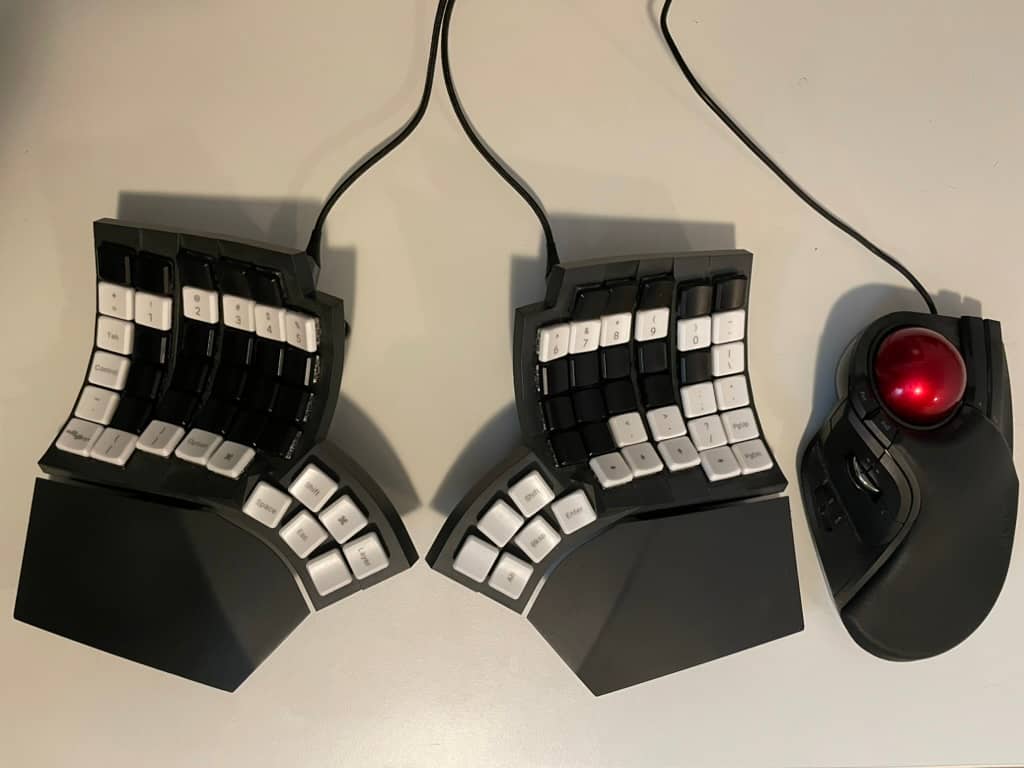
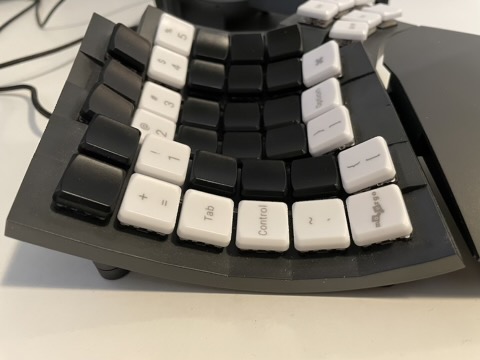
I don’t want to give myself any reason to look at the keyboard while typing, so I ordered a set of black, blank keycaps which I used to replace all the letter keys. I don’t really know what to do with the top row of keys, as I don’t have any need for function keys, so I replaced them with black keycaps as well.
Even though it’s a wireless keyboard, since I only use it at my desk, I use it as a wired keyboard.
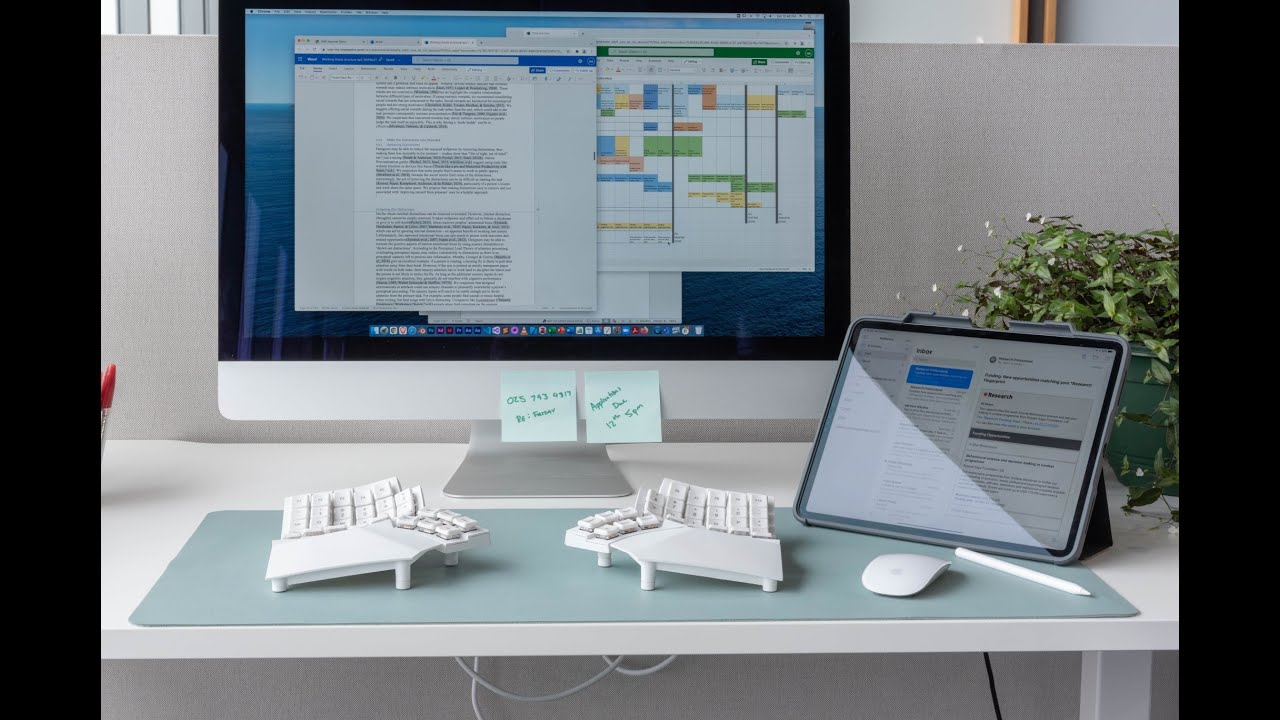
There are a number of video reviews of the keyboard on YouTube that’ll probably give you a better sense of the keyboard than a couple photos from me will.
Had a Topre Realforce 87u for about a year. I really like it but upon buying in doubt with Kinesis Advantage 2 and that feeling never left. So ended up buying the Advantage and never went back. I have the Kinesis 360 pro which is nice, but I still like the keys and feel of the old one better . But the ZMK is very cool.
I have a HP KU-0316 keyboard that is at least 10 years old. This keyboard has been through hell and fire, but even after being used at least for 5k hours in conditions where it was fully flooded with liquids multiple times, it still works better than a new one.
If you find more of these as old stock, please send them to me .
I built an Ergo S-1, which is basically an open-source clone of the Kinesis Advantage 360. I love it so much. It was like a fifth of the price of an Advantage 360 (took quite a few hours of soldering though).
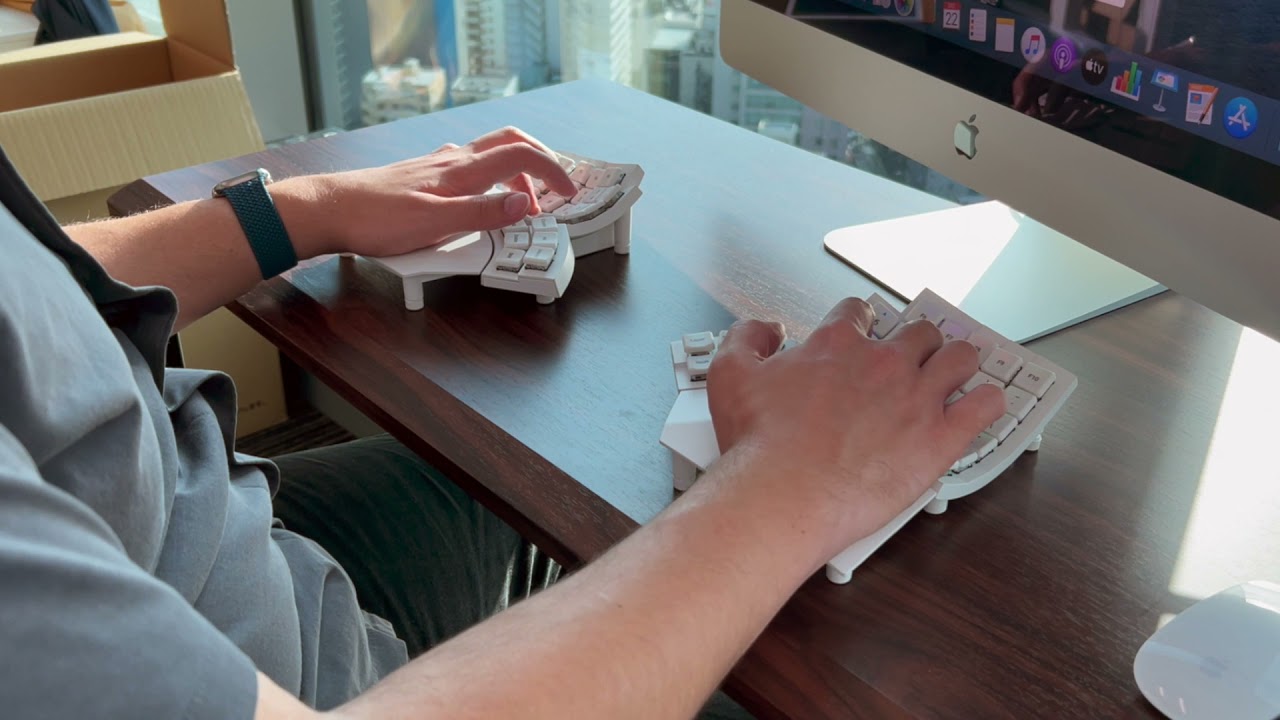
I use a split keyboard called the Tergo Sofle from a Brazilian company. It features Outemu Yellow low-profile switches that provide a very smooth typing experience. This keyboard has enabled me to program for extended periods without fatigue.
What I appreciate most about split keyboards is that I no longer experience shoulder or wrist pain since I can work in a much more comfortable position. The ergonomic benefits have significantly improved my daily Elixir coding sessions.
 .
.



 .
.