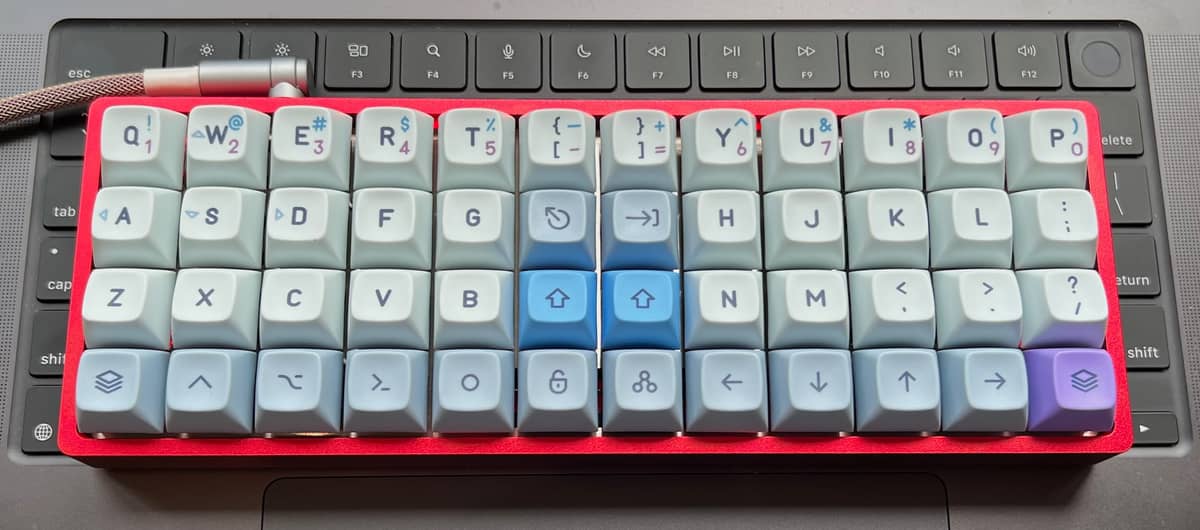
Don’t fall for it @lud - I did (after seeing @hauleth’s pics in this thread and on DT - as well as @Dusty’s pics) but ortholinear AND tiny is a lot to get used to. You can’t deny they are beautiful and the cool factor is definitely high, but I would recommend trying to find someone local to try theirs before purchasing. I knew it wasn’t for me as soon as I tried it (maybe I should have given it more time but I’m pretty sure I wouldn’t have changed how I felt).
I think if I go for a non-Apple keyboard next I would focus more on ergonomics and practically and to what feels natural to type on (so no unnatural raising of the wrists or placement of arms or extension, etc).
When I think about what kind of keyboard that might look like (when sitting at a desk) your elbows are usually further out than your hands, so your fingers extend in a triangular line towards the apex, with the most accessible area forming a heart shape. So with that in mind perhaps only smaller adjustments to the standard keyboard might be all that’s needed? (Perhaps two additional smaller keys under the space bar and the lesser used keys from the far edges (esp on the right hand side) moved above the top row (or inserted before the even lesser used top row keys). Then it could be made into a splittable keyboard for even more custom fitting/placement.
Shall we design our own perfect keyboard?
I’d echo my thoughts above James - I think ortholinear keyboards feel very unnatural to type on (for me anyway) unless they were angled perhaps…
Yeah, @lud, don’t fall for it! @hauleth and I are definitely not having the most awesome experience that would blow your mind, and you definitely wouldn’t want to use my keymap as a starting point to have your own awesome experience.
It’s without doubt one of the nicest looking keyboards around
But soooooo difficult to get used to. Did it take you long to get used to it? Do you have any tips for anyone who might want to try one? (Go all in or just increase use over time etc?..)
I have no fears. I am still coding on my laptop’s keyboard, using its screen too with a second larger screen behind. I think everything else would be better.
Just commit. Really commit. I am 6 years into this layout. I took the time to optimize at the beginning, and now I don’t change it. I carry a Planck in my bag at all times. If I take my laptop on vacation, I bring a Planck EZ. I don’t use any other keyboards. I don’t try to switch back and forth. I don’t care about maintaining QWERTY, or pinky shift muscle memory, or being able to “sometimes use a staggered board.” I gave up everything for this layout. We are ride or die. If you don’t believe in your layout, your layout won’t believe in you—go back to the drawing board until you have no doubt.
As a practical matter, I put my main thumb key (like space bar) directly below home row index finger (right below the M on your board). Most Planck layouts put the space bar further toward the center of the board, but this creates a completely different hand position, which is quite unnatural in the way it forces you to pronate and reach, IMO. The combination of using a wide mod, with pinkies at the edge of the board and the hands a bit further apart, along with resting the thumb below the index finger, allows that little bit of supination that makes the hand relax. I think a lot of Planck layouts fight against anatomy a bit, putting keys where it seems like they should go, rather than where the hand naturally rests. Hand size obviously has a lot to do with it, so you need to experiment.
I would have been tempted to try one if they had them in white and clicky, just to see if I liked or if it can run without any drivers (or able to use OS drivers) and wired. Amazon here in the UK are pretty good with returns so would have sent back if I didn’t get on with it.
This just popped up on DT and was fun to look through:
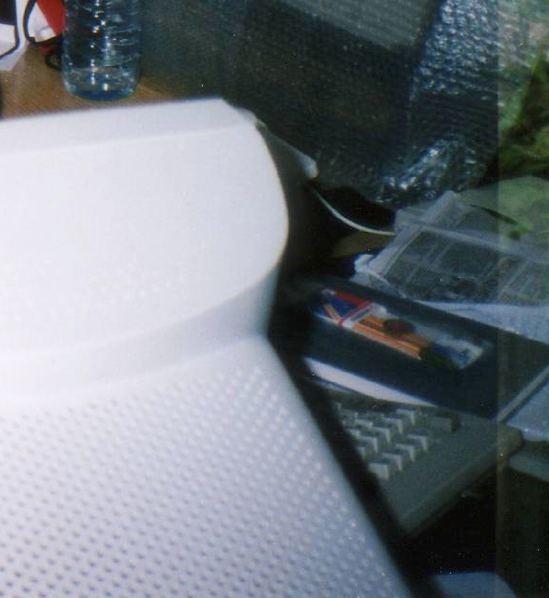
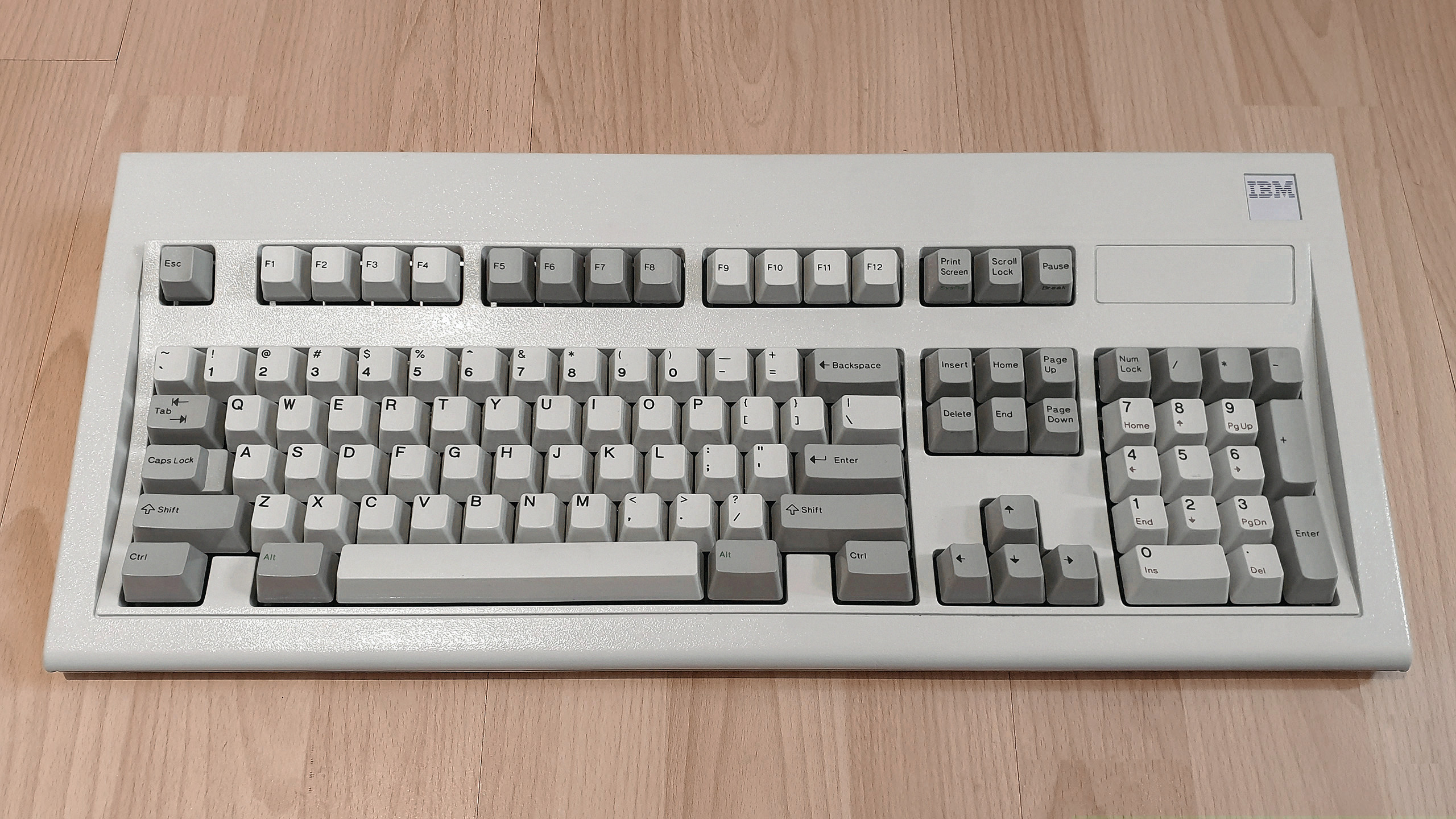
I’m pretty sure I had a keyboard like this one:
IBM introduces the PC/XT Enhanced Keyboard (pictured) and PC/AT Enhanced Keyboard, initially for the Personal Computer XT ‘S’ models and Personal Computer AT Expanded respectively as an option. They are pearl-white adaptations of the IBM 7531/7532 Industrial Computer Keyboard, and are also the first Model Ms becomes available for home and standard business PCs.
Not sure if was an authentic IBM (I think it was) or a copy, but it was the best PC keyboard I ever had! Loved the clicky sound of it.
Although looking at it now, I am not even sure it was that one - all I can remember it was a cream coloured keyboard (that looked like that IBM keyboard) with a lovely ‘light’ clicky sound - not too loud, and did not require a lot of pressure. The only thing I didn’t like was it was not ultra low profile, so wrists would ache after long periods.
This thread got me straight into a rabit hole. Here are the things reinforced in my opinion.
my thumbs are strong, but afaik not in the direction you press keys with on a thumb cluster and flexibility inwards is low. So having 6 thumb keys seems like a great idea but is limited in practice (having watched some video’s of people actually using these keyboards)
I have small fingers compared to my palm, reducing range.
I find modifier keys on the bottom row awkward. Again: flexibility of the thumb is low.
I really like homerow mods as the modifier keys are below fingers that are actually flexible. Need a bit of practice still.
When you don’t have a programmable keyboard, Karabiner Elements does the job pretty well at macOS.
Kinesis Advatage is so high-profile due to it’s design it’s not compatible with my desk and chair (at this moment)
I need less keys, not more. And layers.
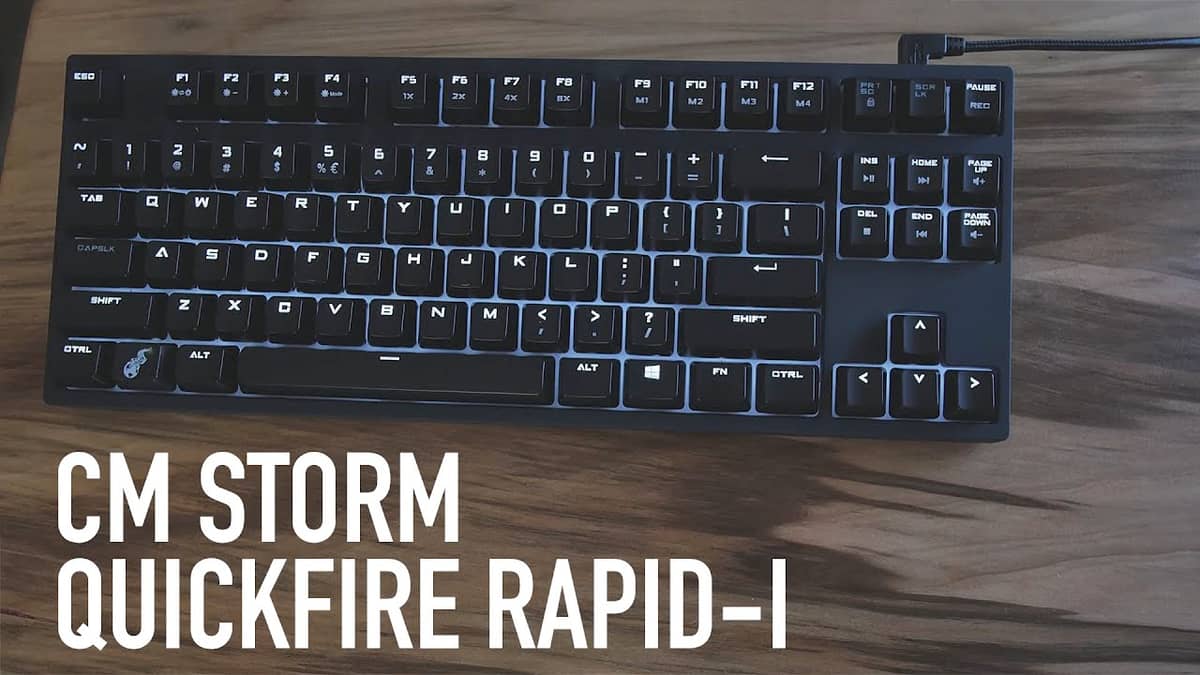
As I have a pile of keyboards I really needed to reduce, I picked my old CM Storm Rapid Fire 1 to test before selling it. It’s really old, some leds do not work anymore (don’t care) but I one again felt in love with it.
No fancy split keyboard, no thumb cluster…just a black mechanical keyboard with Cherry Brown.
Gonna try to get used to homerow mods, think of layers upfront and might opt for a Planck. It seems kinda cramped and moving keys to the middle like @Dusty makes the pinky ‘secondary’-less, no?



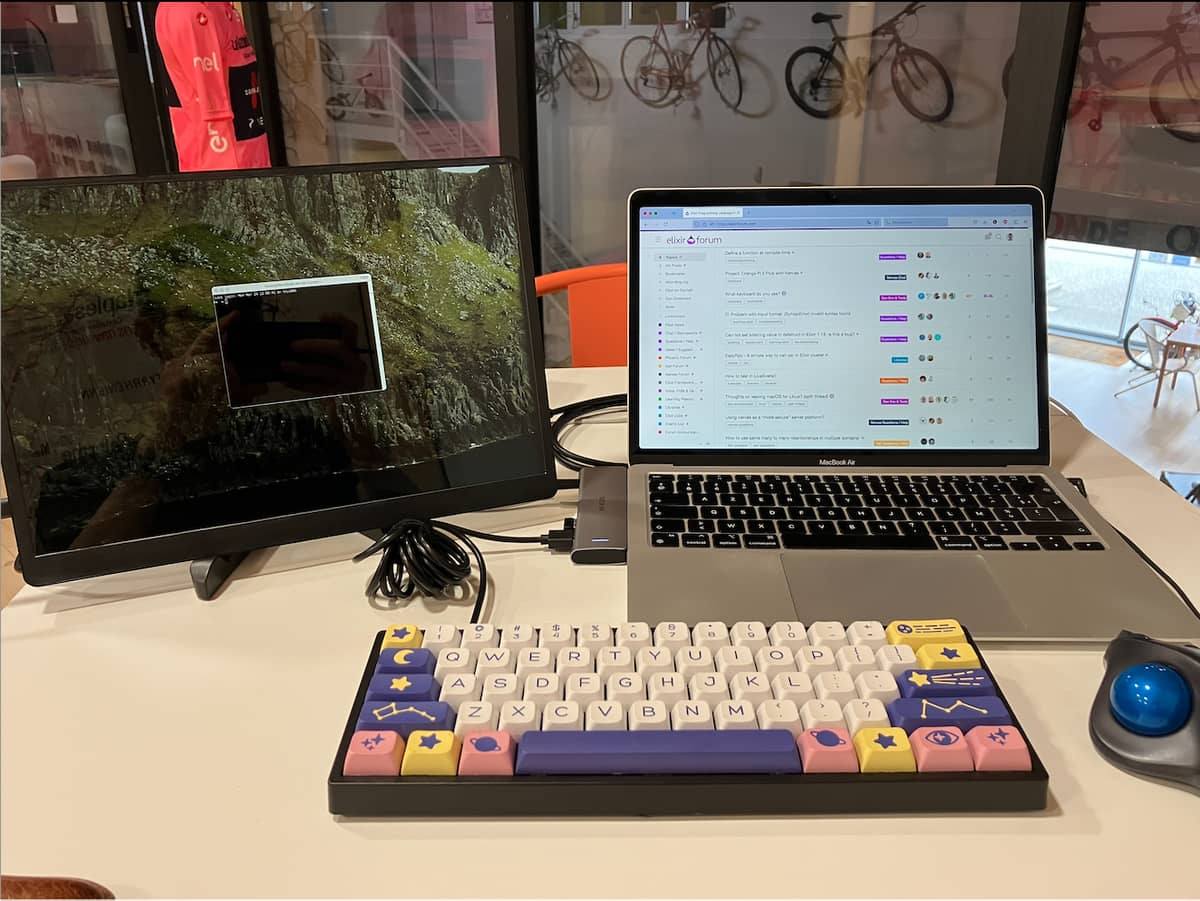


 That keyboard is not office-friendly.